Designing AI agent workflows: why AI platforms need visual orchestration layers

Designing AI agent workflows: why AI platforms need visual orchestration layers
As AI platforms mature, backend capabilities grow faster than user experience.
LLMs, tools, and agents are powerful - but without a visual orchestration layer, users struggle to understand and control AI behavior.
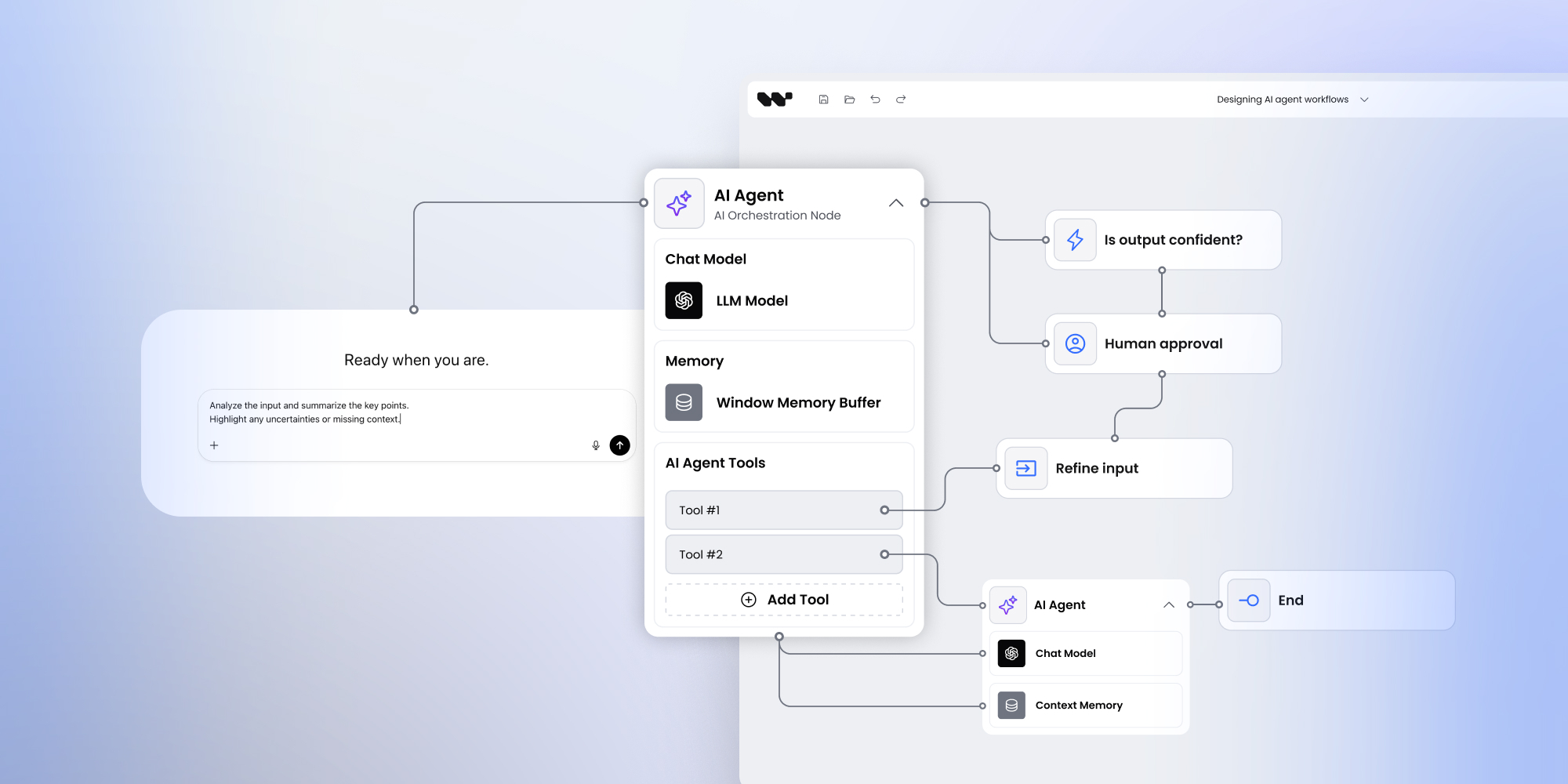
This is why many AI platforms now embed workflow builders to design agent pipelines visually.
The problem with backend-only AI orchestration
From AI-focused discovery calls, the same issue appears repeatedly:
“We have agents and tools working. But users can’t see or control what’s happening.”
Common pain points:
- agent logic is hidden in code,
- prompt chains are hard to debug,
- non-technical users are locked out.
Without a visual layer, AI systems remain opaque - even to their creators.
Why AI platforms adopt visual workflows
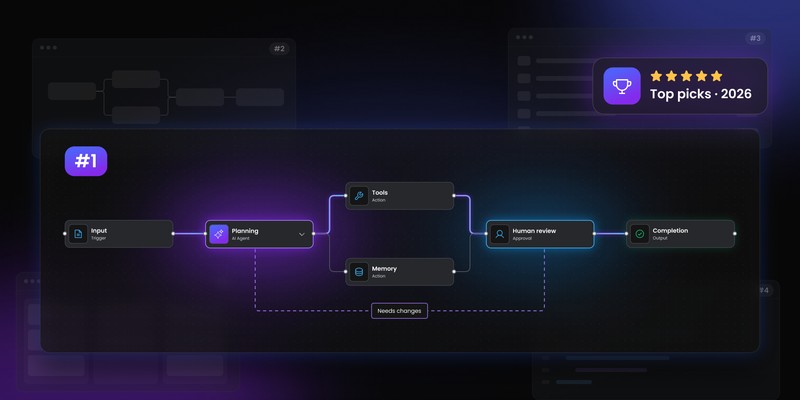
Visual workflows help AI products:
- expose agent logic to users,
- support human-in-the-loop scenarios,
- enable configuration without code changes,
- improve trust and explainability.
Instead of treating AI as a black box, workflows make AI behavior explicit and inspectable.
Frontend-only orchestration for AI systems
Most AI platforms already have:
- execution logic,
- agent runtimes,
- tool integrations.
What they lack is a visual modeling layer.
A frontend-only workflow builder fits naturally:
- workflows are designed visually,
- exported as JSON,
- executed by existing AI backends.
This avoids coupling orchestration UX with rapidly evolving AI infrastructure.
Workflow builders for agent pipelines
Common AI use cases include:
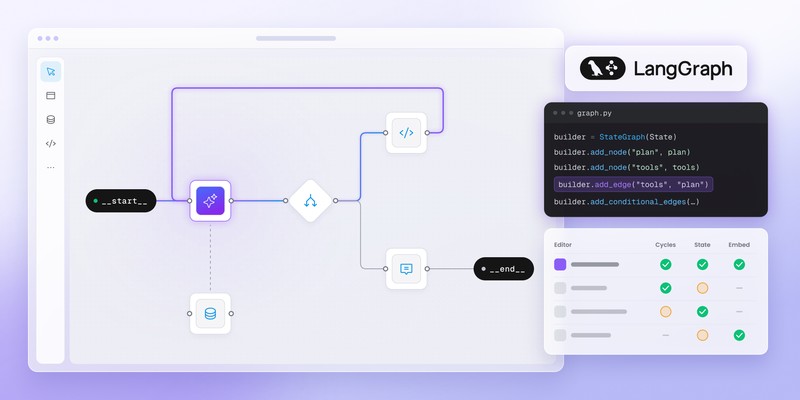
- agent pipelines and routing,
- conditional prompt flows,
- fallback logic,
- approval and review steps.
By treating workflows as data, AI teams can:
- version flows,
- generate them programmatically,
- test and iterate faster.
Final takeaway
AI platforms don’t need another execution engine.
They need clarity, control, and orchestration UX.
A visual workflow builder provides the missing interface layer between AI infrastructure and end users.
An entrepreneur and tech enthusiast, with over 14 years of experience building innovative diagramming solutions and tools across industries. Our interfaces help technical and non-technical users make informed business decisions.